
Legacy Software to AI Workflows: How to Modernize Without Rebuilding Everything
Modernization works best when AI is added around the real bottlenecks instead of forcing a full rebuild on day one.
Need this system?
Book a slot and we will map your first release, integrations, and launch path.
Why this matters now
The fastest path from legacy systems to AI value is often integration, not replacement. For small businesses, enterprises, and operations teams, this shift is not just a technology story. It changes how work is assigned, tracked, measured, and improved. The companies that benefit most are not chasing every new tool; they are choosing the systems that remove friction from the parts of the business that already matter.
The core issue is simple: critical workflows live inside old tools, manual exports, email approvals, and spreadsheets that nobody wants to break. When this happens, growth creates more manual work instead of more leverage. A well-designed software system gives the business one reliable place to manage the workflow, see status, and make decisions before problems become expensive.
The system to build
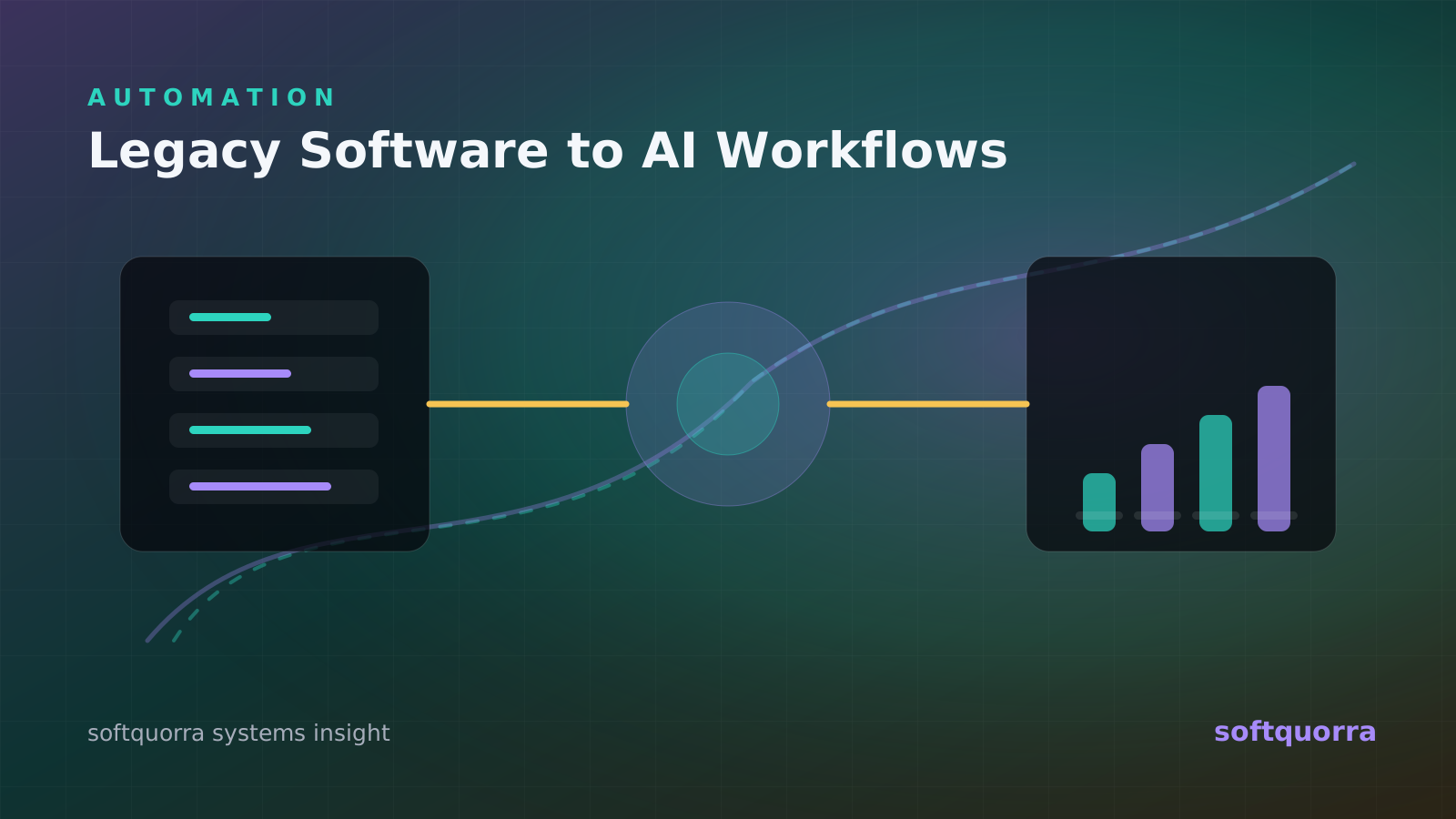
A strong first release should look like an AI-oriented workflow layer that connects existing databases, APIs, documents, forms, approvals, and reporting dashboards. This does not mean building every possible feature. It means designing the smallest complete system that handles the real workflow from start to finish. The product should include permissions, data structure, useful reporting, and a clean user experience so the team can trust it in daily work.
At softquorra, we usually start by mapping the business process, the people involved, the current tools, the repeated bottlenecks, and the decisions leadership needs to make. From there, the roadmap becomes more practical: what should be automated, what should remain manual, what should be integrated, and what should wait until users prove they need it.
What the trend means for buyers
companies are modernizing in layers because complete rewrites are risky, slow, and hard to justify before measurable gains. This is why modern software projects need both product thinking and engineering depth. A beautiful interface is not enough if the data is unreliable. A powerful backend is not enough if the team avoids using it. The product has to fit the business rhythm.
The buying trigger is usually clear: the business has useful data locked in systems that do not talk to each other. Once that pattern appears, the cost is already real. It may show up as missed revenue, slow response times, staff frustration, reporting delays, customer complaints, or leadership making decisions from outdated information.
Signals the project is ready
A project like this is ready when the business can name the workflow, the users, the current pain, and the decision that should become easier. For small businesses, enterprises, and operations teams, the strongest signal is repeated operational friction. If the team explains the same issue every week, maintains a side spreadsheet, or depends on one person to know the status of everything, the business is already paying for missing software.
Another signal is that existing tools are close but not complete. Many companies already have a POS, CRM, ecommerce platform, help desk, payment provider, or accounting tool, yet the important workflow still happens between those tools. That middle layer is often where custom software, AI workflow integration, dashboards, and API connectors create the highest return.
The final signal is urgency around growth. When order volume, customer requests, support tickets, sales leads, staff activity, or reporting needs increase, manual work stops being a small inconvenience and becomes a constraint. This is the moment to design a system that can scale with the business instead of waiting until operations are already stressed.
Architecture and UX decisions
The architecture should support the real workflow behind an AI-oriented workflow layer that connects existing databases, APIs, documents, forms, approvals, and reporting dashboards. That usually means clean data models, secure authentication, role-based permissions, reliable integrations, and clear ownership of every action. If AI is involved, the architecture also needs retrieval rules, prompt boundaries, model monitoring, fallback states, and a human review path for sensitive decisions.
The user experience should be dense enough for daily work but calm enough that people can scan it quickly. Business systems are not landing pages. They need predictable navigation, readable tables, useful filters, fast forms, mobile-friendly states, and obvious next actions. The interface should help a cashier, manager, operator, founder, or support agent finish work with less confusion.
A production-ready build should also plan for observability. Logs, audit trails, error monitoring, analytics, and simple admin controls are not luxury features. They help owners understand what is happening, help teams debug issues, and make future improvements safer. This is especially important for POS systems, SaaS platforms, AI agents, CRM portals, and dashboards that become part of daily operations.
How to phase delivery
Phase one should focus on the workflow that creates the clearest business value. That may be faster checkout, cleaner order routing, better lead follow-up, fewer support delays, automated reporting, connected inventory, or a SaaS feature customers can pay for. The first release should feel complete for that workflow even if the total product roadmap is much larger.
Phase two should improve reliability and adoption. This includes permissions, edge cases, empty states, loading states, reporting refinements, import/export needs, and integrations that remove duplicate entry. Many software projects fail because the first demo looks good but the second week of real usage exposes missing details. A careful second phase turns a useful build into a trusted system.
Phase three should add leverage. This is where AI agents, advanced analytics, workflow automation, self-service portals, mobile apps, or deeper integrations can multiply the value of the foundation. Once the business data is organized and the core workflow is stable, automation becomes safer and more meaningful.
This phased approach protects budget and speed. Instead of waiting months for a giant release, the business gets usable software early, learns from real behavior, and keeps improving the system around evidence. It also makes the relationship with a dedicated development team more productive because each sprint has a visible business outcome.
Mistakes to avoid
The first mistake is building around a feature list instead of an operating model. A feature list can look impressive but still miss how work actually moves through the company. Before development begins, the team should understand who creates the data, who approves the action, who needs the report, and what happens when something goes wrong.
The second mistake is treating integrations as a later concern. If the system depends on payments, ecommerce orders, calendars, inventory, accounting, CRMs, delivery channels, or support tools, those dependencies shape the product. They influence data structure, permissions, error handling, and timeline. Good API planning prevents fragile workarounds later.
The third mistake is adding AI before the workflow is clear. AI can classify, summarize, route, draft, and recommend, but it should not hide broken process design. The best AI systems sit on top of well-understood business rules, approved knowledge sources, secure access, and measurable outcomes.
The fourth mistake is ignoring launch operations. Training, migration, admin controls, support handoff, analytics, and post-launch improvements matter. The software only creates value when people use it correctly and the business can keep improving it after the first release.
Implementation notes
Document the current workflow and identify the highest-cost handoffs. This keeps the project grounded in business value while still leaving room for future features, AI workflows, integrations, and scale. The goal is not to create software that looks impressive in a demo; the goal is to create software people can use under real operating pressure.
Use APIs, secure connectors, and data normalization before introducing AI decisions. This keeps the project grounded in business value while still leaving room for future features, AI workflows, integrations, and scale. The goal is not to create software that looks impressive in a demo; the goal is to create software people can use under real operating pressure.
Keep humans in the loop for exceptions and approvals. This keeps the project grounded in business value while still leaving room for future features, AI workflows, integrations, and scale. The goal is not to create software that looks impressive in a demo; the goal is to create software people can use under real operating pressure.
Modernize one revenue-impacting or time-saving workflow at a time. This keeps the project grounded in business value while still leaving room for future features, AI workflows, integrations, and scale. The goal is not to create software that looks impressive in a demo; the goal is to create software people can use under real operating pressure.
How softquorra can help
softquorra works as a practical technology partner for companies that need AI agents, SaaS products, dashboards, POS systems, CRM portals, ecommerce platforms, mobile apps, API integrations, and dedicated development teams. We can help shape the roadmap, design the user experience, build the application, connect the data, and support the launch.
If this topic matches a system you want to build, book a slot with softquorra. A short discovery call is enough to identify the fastest credible path, the right team shape, and the first release that can create measurable value for your business.
Adding an AI layer on top of existing systems is core to softquorra's AI agent development and automation work — integration first, automation second.
Key takeaways
- Start with the business process, then choose the software architecture.
- Connect the systems that already run the company before adding new dashboards.
- Design the first release around measurable time savings, revenue protection, or operational control.
- Book a discovery call with softquorra when you need a focused team to turn the roadmap into production software.